The Agentic OS Mistake: You're Building the Dashboard First
The Agentic OS Mistake: You're Building the Dashboard First
Your Claude Code agentic OS isn't working because you built it in the wrong order. Fancy dashboards and command centers get all the views, but the only layer that actually drives value is the skill and automation backbone underneath. Without that locked in, the dashboard is a facade — fancy nonsense with no meat behind it.
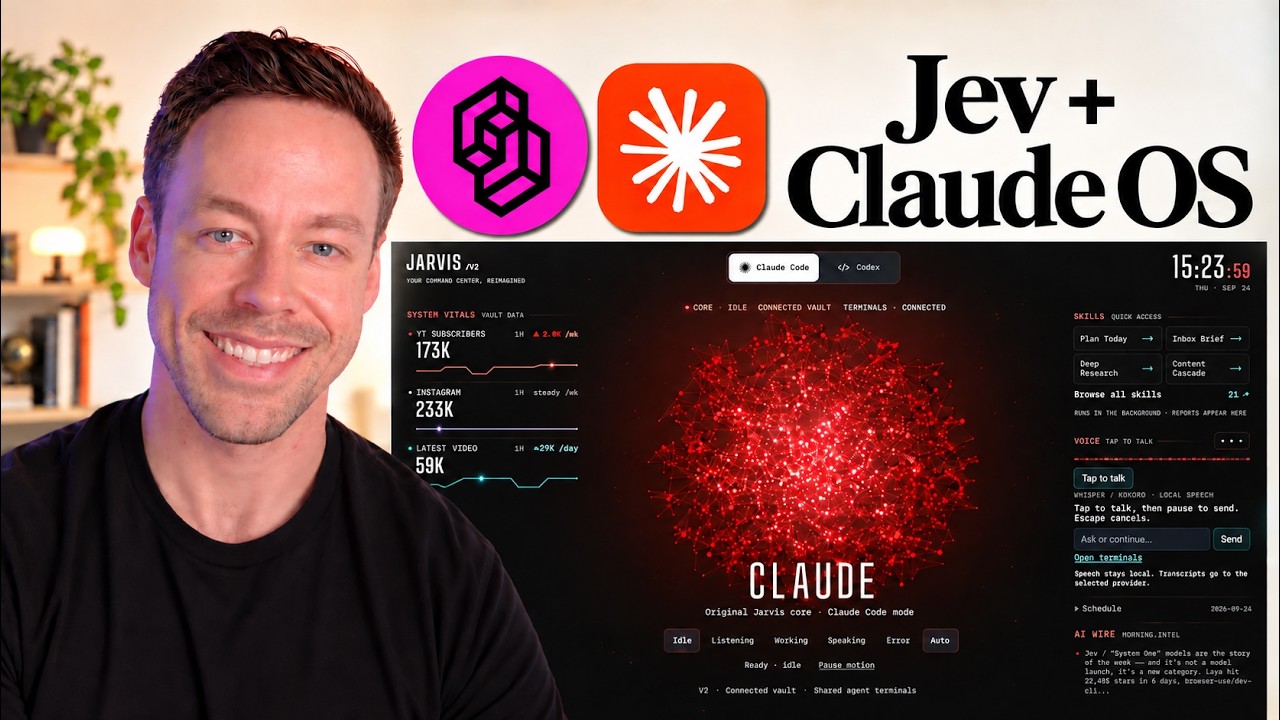
I've built two versions of this — an Obsidian-native command center and a Streamlit web app — and the lesson is the same in both. The dashboard is a 10% value-add that only pays off once the bottom 90% (skills, automations, memory) is real. Here's exactly how to build the three layers in the right order, and which dashboard direction makes sense for which use case.
What Are the Three Layers of a Claude Code Agentic OS?
A proper agentic OS has three layers, and they have to be built bottom-up:
- The skill and automation backbone — codified versions of your day-to-day workflows, executable on command.
- The memory layer — an organized file system (Obsidian works fine) so Claude Code can find context efficiently as your vault grows.
- The dashboard / command center — observability plus a button surface for distributing skills to non-technical users.
Skip the first layer and the other two are theater. The reason most agentic OS content focuses on dashboards is because dashboards make great YouTube thumbnails. The skill backbone is invisible, takes weeks to refine, and doesn't screenshot well. Doesn't matter — it's where the value lives.
How Do You Build the Skill and Automation Backbone?
The core insight: anything you do repeatedly with Claude Code should be codified into a skill. Right now, most people use Claude Code as a slightly better ChatGPT — they open the terminal, type out the task in a paragraph, and re-explain it every time. That's the entire problem.
Codifying a task into a skill gives you three things:
- Convenience. Instead of writing a paragraph, you call the skill with one word or one slash command.
- Testability. The skill-creator skill can benchmark a custom skill against a no-skill baseline. You can see whether the skill is actually pulling its weight or just adding ceremony.
- Determinism. LLMs are inherently non-deterministic. Every time you can reduce randomness — by giving the model the same explicit instructions in the same format — you get more consistent outputs from a system that otherwise drifts.
The simplest possible workflow to get started:
- Open the terminal. Start a fresh Claude Code session.
- Talk through your typical day or week out loud — what tasks you do, what tools you use, what the outputs look like.
- At the end, ask: "Can we turn any of this into skills?"
- Use the skill-creator skill to scaffold + benchmark each one.
- Repeat for the next domain (productivity, research, content, sales, ops).
That's it. One of the highest-leverage upgrades to your Claude Code workflow is also one of the easiest, and almost nobody does it. You can count the percentage of Claude Code users who've actually sat down and done this skill-triage process on one hand.
Should You Use Custom Skills or Repos Like awesome-claude-skills?
Use custom. The mega-repos are interesting to browse, but they're a diamond-in-the-rough hunt and they miss the point. The whole power of Claude Code is how easy it is to customize for your exact workflow. Why are we ignoring that and chasing generic skills built for someone else's job?
The one exception: a handful of horizontal skills almost everyone gets value from. If you live in the Google ecosystem, set up a Google integration as a skill — either using the GWS CLI for full read/write access, or just wire up the standard Anthropic MCP connectors (claude.ai Gmail, Google Calendar, Drive). The MCP connector path is the simpler default for most people. You lose autonomous send on Gmail (you can only draft, not send), but for most workflows that's actually preferable — you click Send manually.
Setup takes 30 seconds. The productivity boost is huge. Again, almost nobody does it.
What's a Workflow Skill, and Why Do They Matter?
Once you've codified individual tasks as skills, the next move is composing them into workflow skills — higher-order skills that chain multiple sub-tasks under one trigger.
My content-cascade skill is a good example. When I publish a YouTube video and call /content-cascade, it:
- Downloads the transcript via Apify.
- Drafts a 2,000-word blog post.
- Drafts an X long-form Article.
- Drafts a LinkedIn post and first comment.
- Saves all three to Supabase as drafts.
- Spins up Playwright to post the X Article and schedule the LinkedIn post.
That's nine discrete tasks compressed into one slash command. Instead of nine skills I have to remember and chain manually, it's one. The productivity gain compounds with every workflow skill you build. Most people stop at single-task skills and miss the bigger leverage.
When Should a Skill Become an Automation?
After each skill exists, run it through one decision: does this need to be called on-demand, or should it run on a schedule?
If it should run on a schedule, you have two options: local automations or cloud automations.
- Local automations run on your machine while Claude Code is open. They have access to your files, CLIs, MCP servers — everything in your local environment.
- Cloud automations run on Anthropic's servers. You're limited by their compute budget, and they can't see your local files or tools.
Default to local automations unless you have a specific reason to use cloud. Cloud is convenient when you want something to run while your laptop is closed, but the loss of local context — your skills, your MCP servers, your file system — is a real cost. For most personal workflows, local wins.
What's the Memory Layer Actually Doing?
Obsidian is the most common memory layer, and it's important to understand what it is — and isn't — doing.
Obsidian is an organization layer, not a knowledge graph. It's not doing RAG. It's not embedding your notes into a vector database. The graph view is a UI trick, not a real semantic graph. What Obsidian actually gives you is a clean folder structure, wiki-style links, and a way to navigate thousands of markdown files without losing your mind.
That sounds modest. It's not. As your vault grows past a few hundred files, organization stops being a personal-preference issue and becomes a token-efficiency issue for Claude Code. The model has to find the right file before it can do anything with it. If your vault is a flat heap, every operation costs more tokens (and takes longer) than it should.
The Karpathy 3-stage model — raw → wiki → outputs — is a fine starting template:
- Raw for unstructured capture (research notes, dumps, transcripts).
- Wiki for distilled, evergreen knowledge (the post-ship harvest).
- Outputs for shipped deliverables (blog posts, decks, scripts).
You don't have to copy it exactly. The actual rule is: organize the vault in whatever way lets you and Claude Code snake through it confidently when there are 100,000 files in there.
The single most important habit: index files at every level. Each folder should have an _index.md (or whatever you want to call it) that acts as a table of contents for its subfolders and files. When Claude Code lands in a folder, it reads the index first and knows where to go. Without index files, you're paying a 50-file directory scan every time you ask about anything. With them, it's three reads.
Obsidian Command Center vs. Streamlit Web App: Which Should You Build?
Once the skill backbone and memory layer are real, the dashboard question becomes legitimate. There are two viable directions, and they trade off ergonomics vs. distribution.
Obsidian-native command center. Best for solo operators. Built as a custom Obsidian plugin, lives inside your vault, gets all the benefits of Obsidian's tab system and customizability. You can drop a Google Calendar tab in the right pane, embed an integrated terminal, surface trending GitHub repos and Hacker News on a research tab, layer in audience-metrics dashboards. Best of both worlds: full GUI + terminal access in one pane. The downside is distribution — handing this to a team member or client involves cloning a repo, installing Obsidian, enabling plugins, and reconfiguring the workspace. Real friction.
Streamlit (or any) web app. Best for distribution. The whole thing is a folder you can push to GitHub, clone, and run on any machine in seconds. Mapping skill buttons to non-technical team members or paying clients is the obvious win — they get a clean web UI with named buttons, no terminal, no Obsidian. You give up the ergonomic perks of Obsidian (integrated terminal, infinite customizability, the vault always one tab away), but you get a deployable product.
The rule of thumb: if you press the button, build it in Obsidian. If anyone else presses it, build it as a web app.
Does Running Headless Claude Code at Scale Run Up Your Bill?
This is the cost question that keeps coming up: the dashboard is firing claude -p (headless) calls under the hood every time a button is clicked. Anthropic has signaled it's pulling back on subsidizing unlimited -p usage and pushing those workloads onto API billing — with a $200/month allowance for headless runs.
Is that a problem? For 99% of personal use cases, no. $200/month is a lot of headless runs unless you're hammering buttons constantly. If you do start hitting the cap — running this at agency scale or distributing to a client team — the simple move is to swap the engine.
Claude Code is the engine, not the chassis. The chassis is your skill backbone, memory layer, and dashboard. The engine underneath is interchangeable. Pointing the dashboard's headless calls at Codex CLI instead of claude -p is a small refactor — you can literally ask Claude Code to do the swap for you. Codex is competitive on capability and currently more generous on usage limits, which makes it a natural fallback for high-volume button-press workflows.
The practical play: build the OS on Claude Code, keep the engine layer abstracted, and add a "switch to Codex" button on the dashboard if cost becomes a problem.
Frequently Asked Questions
Why is the skill backbone more important than the dashboard?
The dashboard is just a button surface. Every button it has maps to a skill underneath. Without the skills, the buttons execute nothing useful. The dashboard is the visible 10% of an agentic OS; the skill architecture is the invisible 90% that determines whether anything actually works. Build the dashboard first and you've built a remote control with no TV behind it.
What's the difference between local and cloud automations in Claude Code?
Local automations run on your machine while Claude Code is open, with full access to your skills, CLIs, MCP servers, and file system. Cloud automations run on Anthropic's servers and are limited by their compute budget, but they keep running when your laptop is closed. Default to local unless you specifically need automation to fire while you're offline — the loss of local context is a real cost.
Do I need Obsidian for the memory layer, or will any folder structure work?
Any folder structure works at small scale. Obsidian becomes valuable past a few hundred files because the wiki-links + graph + tab system make navigation manageable. It's not doing anything magical — it's an organization layer on top of markdown. You can swap it for plain folders, Notion, or anything else that lets you and Claude Code navigate by name. Obsidian is the most popular choice because it's free, local, and markdown-native.
Should I use the GWS CLI or the standard MCP connectors for Google integration?
MCP connectors are the simpler default and work for most personal workflows. The main thing you give up is autonomous Gmail send — connectors only let you draft, not send (you click Send manually). The GWS CLI restores autonomous send plus Google Sheets, Docs, and Chat integration, but takes more setup. Start with MCP, switch to GWS only if you hit a wall.
Can I swap Claude Code for Codex without rebuilding the whole agentic OS?
Yes, and you should design for it from day one. The skill backbone, memory layer, and dashboard are all engine-agnostic. The engine — Claude Code or Codex — is the only piece that has to change, and swapping it is a small refactor (literally a claude -p → codex ... substitution in the headless calls). If you ever bump into Anthropic's $200/month headless cap, the Codex fallback is a one-button switch, not a rebuild.
If you want to go deeper into building a Claude Code agentic OS — the exact skill triage prompts, the dashboard plugin source, the automations setup — join the free Chase AI community for templates, prompts, and live breakdowns. And if you're serious about building with AI, check out the paid community, Chase AI+, for hands-on guidance on how to make money with AI.